







🌐 Website: LawGlance
LawGlance is a free, open-source, people-centric initiative 💡 designed to make legal guidance accessible to everyone. Using AI-powered Retriever-Augmented Generation (RAG), LawGlance delivers quick, accurate legal support tailored to your needs, whether you're seeking information as a layperson or a professional.
🛡️ Mission: “Justice should be accessible to everyone. LawGlance ensures that no one is left behind when it comes to legal knowledge.”
This project is developed with support from mentors and experts at Data Science Academy and Curvelogics. 💼
LawGlance currently supports the following laws, with plans to expand internationally:
- 🏛️ The Indian Constitution
- 📜 The Bharatiya Nyaya Sanhita, 2023
- 🚨 The Bharatiya Nagarik Suraksha Sanhita, 2023
- 🧾 The Bharatiya Sakshya Adhiniyam, 2023
- 📦 The Consumer Protection Act, 2019
- 🧭 The Motor Vehicles Act, 1988
- 💻 Information Technology Act, 2000
- 👧 The Protection of Children from Sexual Offences Act (POCSO), 2012
- The Sexual Harassment of Women at Workplace (Prevention, Prohibition and Redressal) Act, 2013
Originally launched as Niyam SahaAI, LawGlance aims to cover legal systems from different countries in the near future.
Curious how LawGlance works? Watch this detailed tutorial!

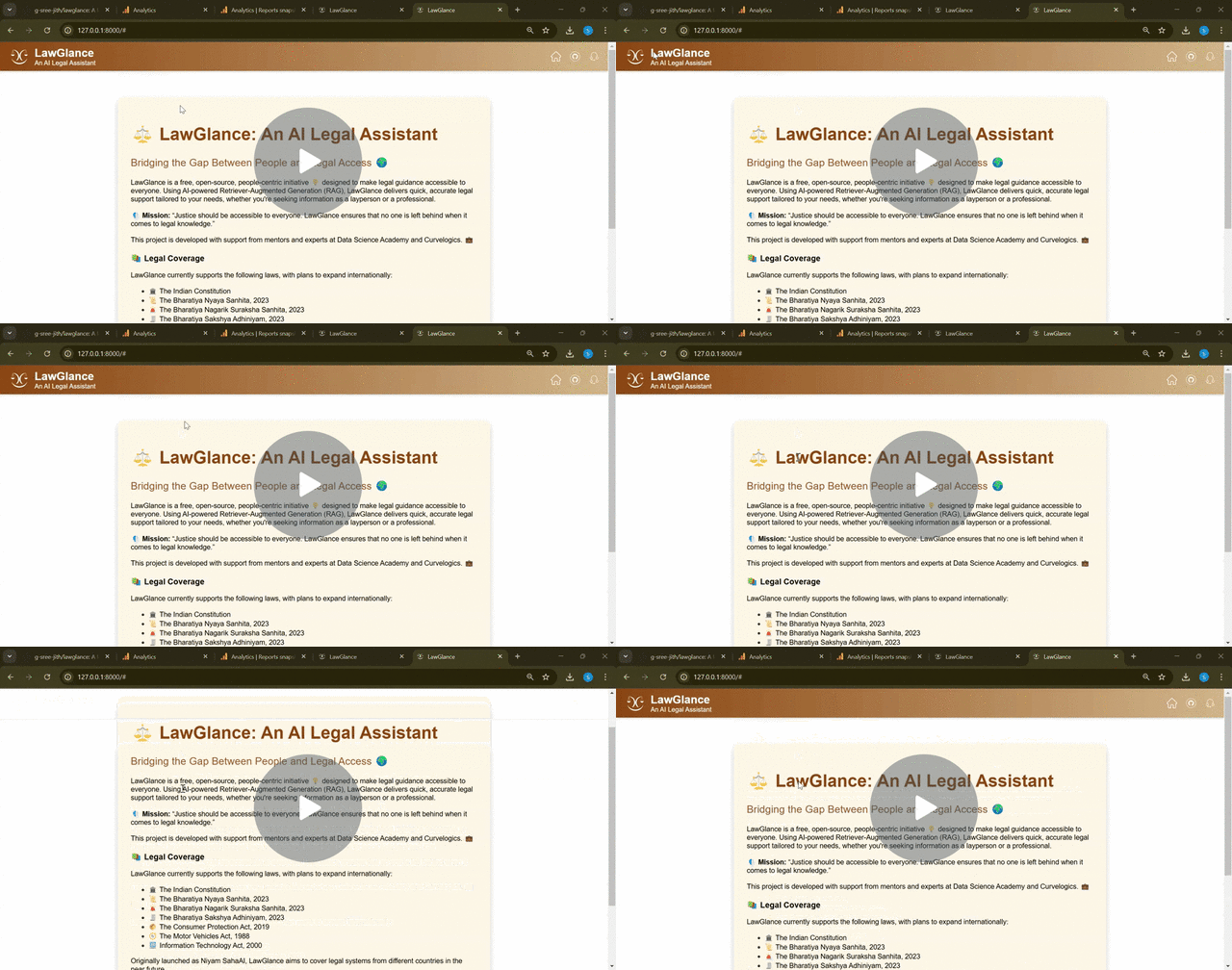
Ready to get started? Follow these simple steps to set up LawGlance on your machine:
-
Clone the Repository 🌀
git clone https://github.com/lawglance/lawglance.git
-
Install uv 📂
First, let’s install uv and set up our Python project and environment
MacOS/Linux:
curl -LsSf https://astral.sh/uv/install.sh | shWindows:
powershell -ExecutionPolicy ByPass -c "irm https://astral.sh/uv/install.ps1 | iex"Make sure to restart your terminal afterwards to ensure that the uv command gets picked up.
-
Install Dependencies 📦
uv sync
-
Set Your OpenAI API Key 🔑
Open
.envand add your OpenAI API key:OPENAI_API_KEY=your-api-key-here
-
Run the Application 🚀
uv run streamlit run app.py
-
Access the App 🌐
Open your browser and visit:http://127.0.0.1:8501
LawGlance is now powered by an agentic retrieval pipeline built with LangGraph, living in the backend/ folder. Instead of a single fixed RAG chain, the agent decides for itself when to call the retrieve_docs tool, loops until it has enough context, and only then produces a cited final answer.
backend/graph.py/backend/nodes.py— the LangGraph agent loop (llm_call→tool_node→final_answer)backend/tools.py— the vector-store retrieval tool the agent can callbackend/retrieval.py—agent_invoke(), the entry point the Streamlit app (app.py) now callsbackend/main.py— an optional FastAPI HTTP API in front of the same agent
The original single-chain implementation (lawglance_main.py, chains.py) is still in the repo for reference and is not deleted, but it's no longer what app.py runs against.
Run the FastAPI backend standalone (useful for integrating LawGlance into another app):
uv run uvicorn backend.main:app --reloadThen query it directly:
curl "http://127.0.0.1:8000/query?query=What+is+Article+21%3F"LawGlance uses Redis to cache chat history and LLM responses for faster, scalable performance.
-
Install Redis Server
Ubuntu/Linux:
 sudo apt-get update
 sudo apt-get install redis-server
MacOS (with Homebrew):
brew install redis
Windows (Recommended: Use WSL - Windows Subsystem for Linux):
- Install WSL and set up a Linux distribution (e.g., Ubuntu).
- Inside the WSL terminal, run:
sudo apt-get update
sudo apt-get install redis-server
- Start the Redis server:
redis-server
-
Start Redis Server
redis-server
-
Verify Redis is Running
redis-cli ping
You should see:
PONG -
No Additional Python Setup Needed
- The LawGlance backend automatically connects to Redis at
redis://localhost:6379/0. - If you want to use a different host or port, update the
redis_urlparameter in your code. Redis caching is optional for local development but highly recommended for production deployments to ensure fast and reliable chat experiences.
| 💡 Technology | 🔍 Description |
|---|---|
| LangChain | Framework for building language model applications |
| LangGraph | Powers the agentic retrieval loop in backend/ |
| ChromaDB | Vector database for RAG implementation |
| FastAPI | HTTP API for the agentic backend (backend/main.py) |
| Streamlit | Chat UI (app.py) |
| Redis | Chat history and response caching |
| OpenAI API | Powering natural language understanding |
Exciting developments are planned for LawGlance! Here’s what’s coming next:
✅ Agentic Framework — Delivered! The single-agent, tool-calling retrieval pipeline described above (LangGraph,
backend/) now powers the live app. Extending it into a full multi-agent team of specialists is still on the roadmap.
-
🌎 Law Without Borders: Expanding Our Global Reach 🇨🇦 + More!
- LawGlance is going global! We're significantly expanding our legal knowledge base to include jurisdictions like Canada and beyond. Soon, you'll have access to a truly worldwide legal resource at your fingertips.
-
🗣️ Your Voice is the Key: Introducing Voice Interaction 🎙️
- Navigate and access legal information effortlessly with our new voice command feature. Simply speak your queries and let LawGlance do the rest – making legal research more intuitive and accessible.
-
🌍 Bridging Language Barriers: Multi-Lingual Legal Assistance 🌐
- We're committed to serving a global audience. LawGlance will soon offer legal assistance in multiple languages, breaking down communication barriers and making our platform truly inclusive.
-
🎯 Precision & Personalization: Advanced Search & Tailored Assistance 🔍
- Say goodbye to endless scrolling! Our enhanced search engine will pinpoint the exact legal information you need with lightning speed. Plus, enjoy personalized suggestions and assistance crafted just for you.
-
✍️ Draft with Confidence: Introducing Legal Document Generation 📄
- Need a contract or agreement? Our upcoming legal document generation feature will empower you to create essential legal documents using customizable templates and intuitive user input.
-
🗓️ Stay Organized, Stay Ahead: Introducing Case Management 📁
- Effortlessly manage your legal matters with our new case management feature. Track crucial deadlines, appointments, and important events all in one centralized location, keeping you in control.
We are always looking for contributors! Whether you want to help with development, report issues, or request features, we welcome you to fork the repo and submit a pull request. Every contribution helps to make LawGlance better for everyone! 🚀
LawGlance is more than just an AI tool—it's a movement to democratize access to legal knowledge for everyone. Together, let’s make justice truly accessible! ✨
